6Dasher4win
Active member
- Joined
- Jan 12, 2026
- Messages
- 41
Tried everything. CAN'T POST A PIC! Can't figure it out.
Can somebody give this idiot a step by step proceedure?
Can somebody give this idiot a step by step proceedure?



I'm not seeing an "open" buttonI just click on the picture button that right here ^^^ and then click in the box that says "Drop image or click here" and that opens the file folder on my computer. I find the photo that I want and click on it, then hit the "open" button at the bottom of the index. and it puts the picture in your post.
View attachment 264
I'm not seeing an "open" button
Nope. I click on the "drop images" box and it takes me to my pic files. After clicking on a pic, all I see is a button that says "done".if i click done, it just takes me back to where I started.I just tested it again. When I click on the "Drop image or click here" it opens the index of my pictures and across the bottom of the box are three buttons "import from Mobile", "Open" and "Cancel"
Nope. I click on the "drop images" box and it takes me to my pic files. After clicking on a pic, all I see is a button that says "done".if i click done, it just takes me back to where I started.
Maybe. I'm on my Android phone. I'll try it on my Windows 10 desktop.It may be that your operating system does it differently than mine. I'm on Windows 11.
Maybe. I'm on my Android phone. I'll try it on my Windows 10 desktop.

On the phone I hit attach files. Pick something and go.Maybe. I'm on my Android phone. I'll try it on my Windows 10 desktop.
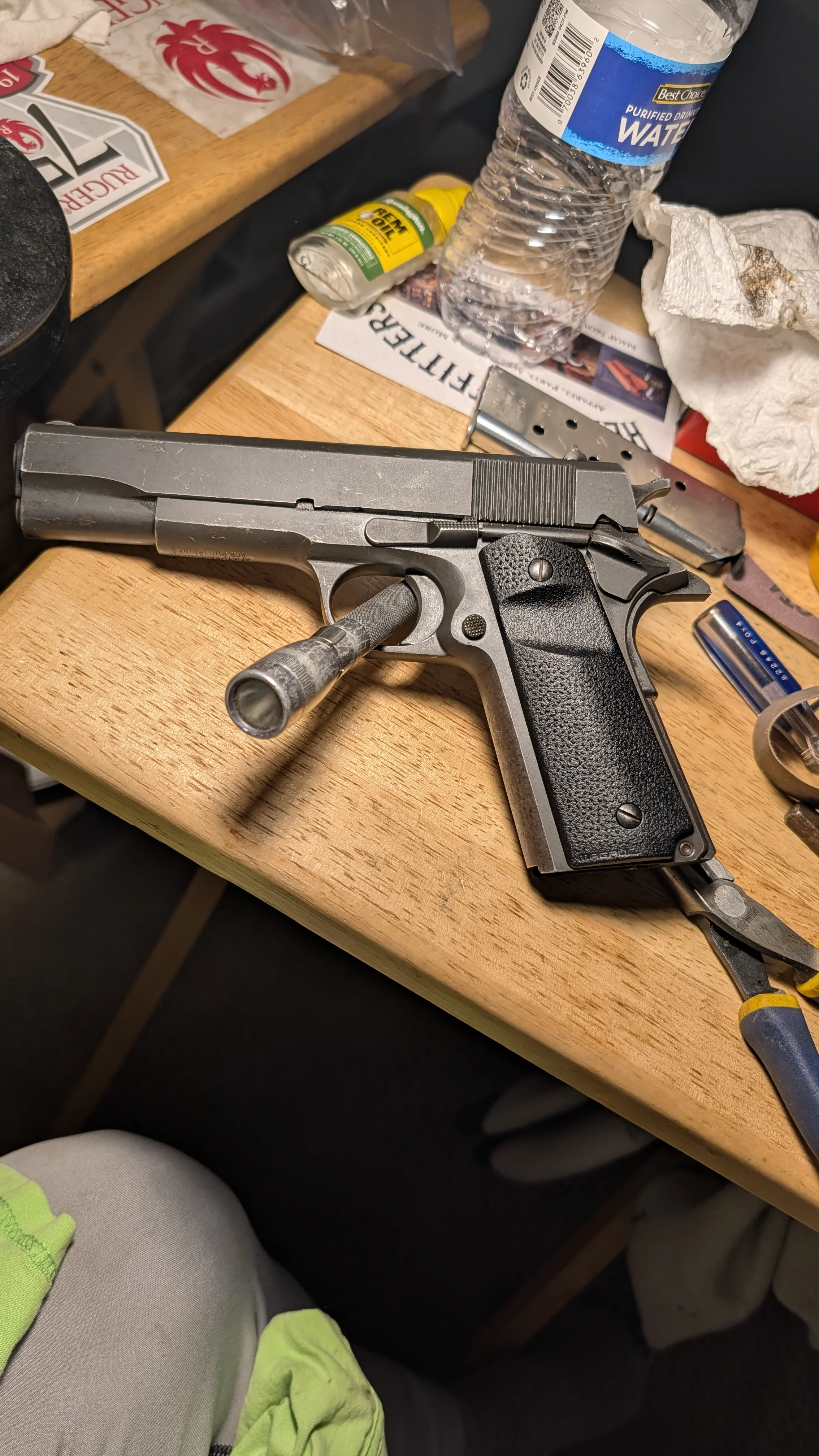
I just checked your permissions and I don't see any reason you have problem posting image. If you can post via desktop, then it should work on mobile browser too.Maybe. I'm on my Android phone. I'll try it on my Windows 10 desktop.


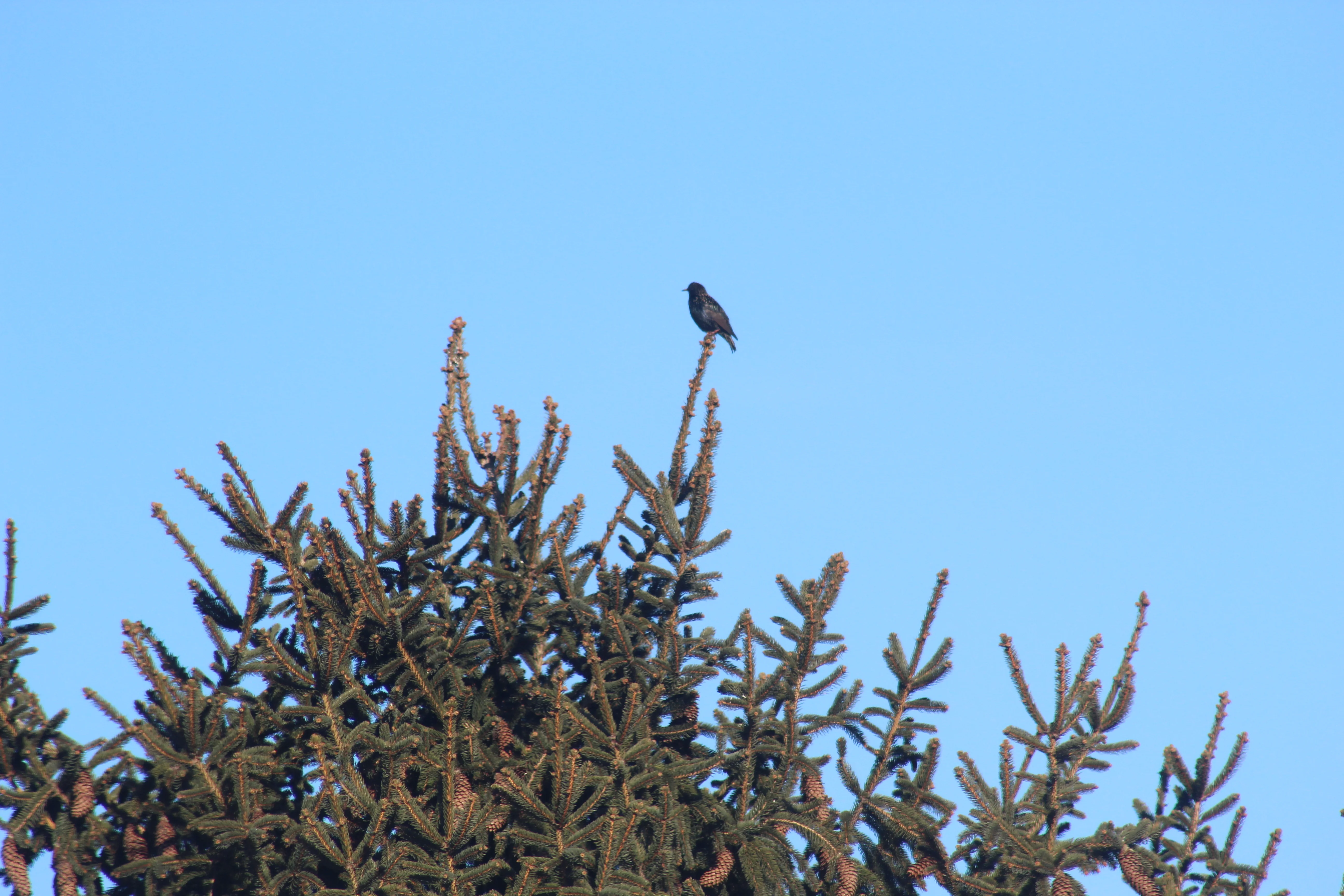
Yes and no. It works only if I select a pic from my "screenshots" album.@6Dasher4win all good now?

Easy once you know howTried everything. CAN'T POST A PIC! Can't figure it out.
Can somebody give this idiot a step by step proceedure?

Yes and no. It works only if I select a pic from my "screenshots" album.
I have pics catagorized by subject, such as "family", pets, gun stuff, etc.
If I select a pic from anywhere other than screenshot, it won't work.